

Tải QuickBoost Tại Đây:
Link GoogleDrive // Link MediaFire ( Mật khẩu giải nén nếu có: osteup )
Lưu ý trước khi sử dụng:
– Hãy tạo trước một điểm khôi phục để đề phòng nếu bạn cần khôi phục về lúc chưa sử dụng, sau khi sử dụng công cụ này có thể sẽ tắt một số thứ bạn không mong muốn.
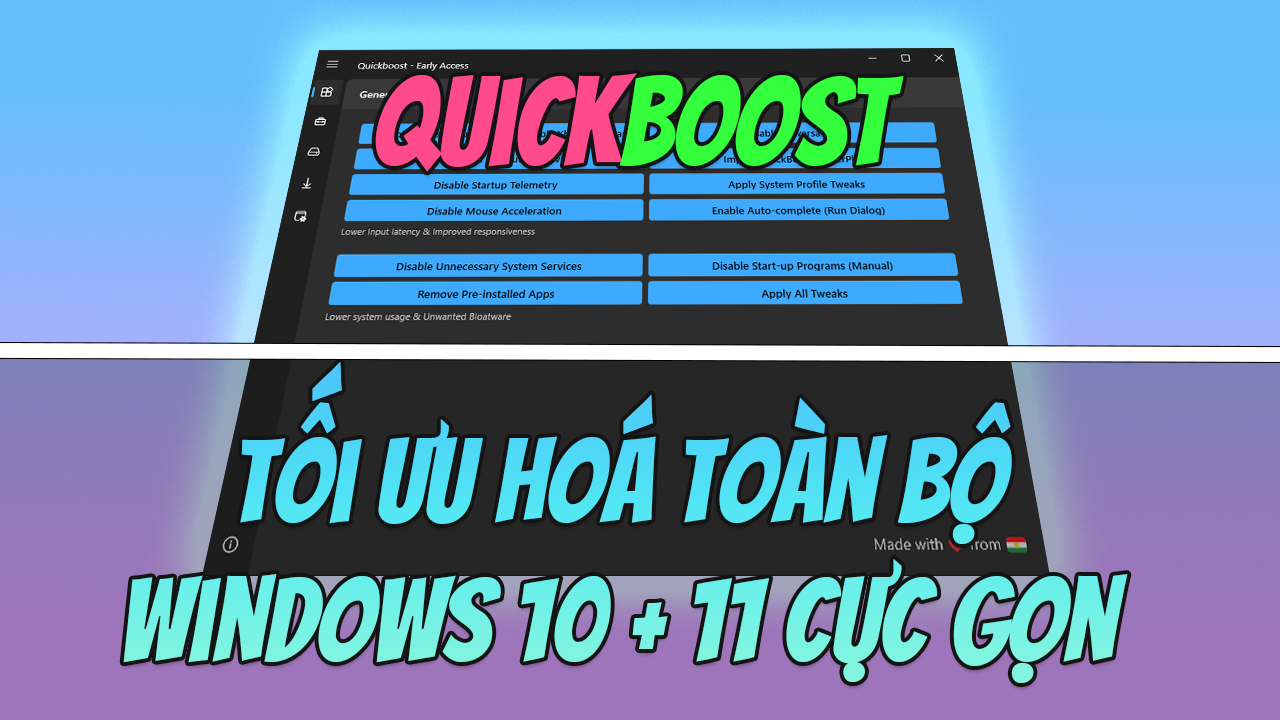
Tiện ích của QuickBoost :
- Disable Telemetry & Data Collection
- Disable Scheduled Tasks & Bloatwares
- Disable Unnecessary Services
- Disable (most) System Loggings
- Performance & Memory Usage Tweaks
- Remove Temporary Files
- Auto-update to use latest script
Tính năng và Tác dụng của quickboost:
- Disable CPU energy-saving technique that reduces CPU power consumption and synchronizing of process wake-ups.
- Adding more ram for applications in system memory caching to improve microstuttering (Enable LargeSystemCache)
- Disable Ram saving techniques Windows use (Paging Combining) to improve microstuttering
- Disable Start-up Telemetry and Programs to Improve Startup and Memory Usage
- Disable Delivery Optimization P2P Update downlods outside of local network
- Disable unnecessary System Services for less System Usage (116 Services Disabled)
- Speed up start time by Disabling DelayedDesktopSwitchTimeout
- Applying Optimal Win32Priority for balanced FPS and Latency
- Disable Settings App unnecessary and telemetry Options
- Change Windows Updates to “Notify to schedule restart”
- Install Timer Resolution Service to lower Input Delay.
- Turn off microsoft peer-to-peer networking services
- Enable Full-screen Exclusive for lower input delay
- Disable Telemetry & Data Collection bloatwares
- Remove unwanted unnecessary temporary files
- Disable Consumer experiences from Microsoft
- Enable Hardware Accelerated GPU Scheduling
- Enabling Normal Priority for Fortnite
- Disable Windows Automatic maintenance
- Run Windows Cleaner (cleanmgr.exe)
- Turn off data execution prevention
- Add Take Ownership to Context menu
- Disable WPP SOFTWARE tracing logs
- Disable prefetcher and superfetch
- BCD Tweaks for lower Input Delay
- Import Custom Nvidia Profile
- Disable System Auto-Loggers
- Disable Paging Executive
- Disable DistributeTimers
- Disable GPU Preemption
- Disable fast startup
- Disable Hibernation
- Disable Sleep study
- Disable Aero shake
- Và nhiều tính năng khác nhưng không thể liệt kê được hết…
Tóm gọn lại là ?
-> Tăng Sự mượt mà cho chiếc máy tính của bạn giúp mọi thứ hoạt động trở lên trơn tru và mượt mà hơn thông thường, nhất là đối với những dòng máy yếu mà bạn thích chơi game.


Leave a Reply to trùm free fire Cancel reply